Turning the entire web into a filesystem
On this page
Code hallucinations are not a model problem. They’re a data problem.
Every day, APIs ship breaking changes, deprecate endpoints, and rename parameters. Models can’t keep up because their training data is months, sometimes years behind. So your agent writes code that looks perfect, compiles clean, and fails at runtime because the library moved on six months ago.
The standard fix is RAG: chunk the docs, embed them, retrieve the top-K fragments that match. This gets you 80% of the way, until the answer lives across three pages, or the agent needs exact function signatures that didn’t survive the chunking process. Retrieval gives you fragments, but agents need the whole picture.
We wanted something different. What if an agent could just read the docs? Not retrieve chunks, but actually browse them. The same way you’d grep through a codebase or cat a README.
The filesystem idea
Unix figured this out fifty years ago. Devices, processes, sockets. All files. One interface. open, read, write, close. You didn’t need to learn a new API for every resource. You learned files, and that knowledge applied everywhere.
Agents were pre-trained on Unix. Billions of tokens of filesystem interactions are baked into the weights. tree, grep, find. These aren’t tools agents learn to use. They’re tools agents already know. Every coding model has seen millions of examples of cat README.md and grep -r "auth" . and find . -name "*.md".
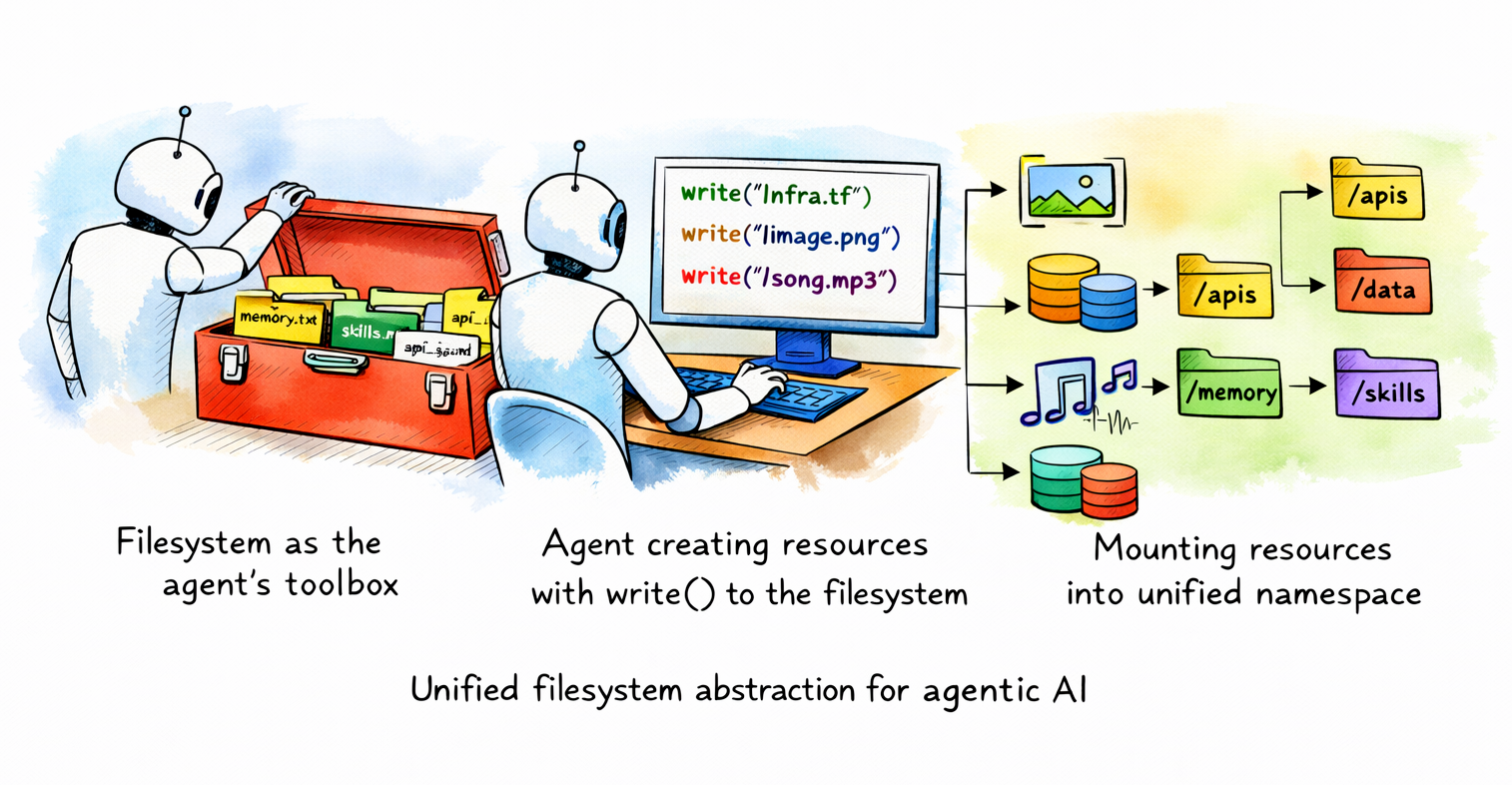
So we asked: what if every documentation site on the web was a directory you could cd into?
Try it
npx nia-docs https://docs.trynia.aiOr set it up for your agent:
npx nia-docs setup https://docs.trynia.ai | claudeWorks with Claude Code, Cursor, Copilot, Codex, Gemini CLI, OpenCode. Anything that reads an instructions file or supports skills.
How it works
$ npx nia-docs https://docs.trynia.aiThat’s the whole interface. No API keys, no install, no config. One command gives you a bash shell where the documentation is mounted as a filesystem. tree it. grep it. cat individual pages. Pipe it into your agent.
Under the hood, three things happen.
1. Index
When you hit a URL for the first time, the backend crawls the site. It respects llms.txt, detects OpenAPI specs, handles redirects. Each page becomes a file. The URL https://docs.trynia.ai/guides/getting-started becomes /guides/getting-started.md.
The tricky part is path normalization. Documentation sites have wildly inconsistent URL structures. Some put everything under /docs/, some under /api/reference/, some just use the root. We auto-detect the common path prefix across all indexed URLs and strip it, so the filesystem isn’t three levels deep before you reach actual content.
def detect_common_path_prefix(urls, base_url):
    # Split all paths into segments, find shared prefix
    path_segments = [p.split('/') for p in paths]
    common_prefix = []
    for i in range(min(len(segs) for segs in path_segments)):
        segments_at_i = [segs[i] for segs in path_segments]
        if len(set(segments_at_i)) == 1:
            common_prefix.append(segments_at_i[0])
        else:
            break
    return '/' + '/'.join(common_prefix)
The result: https://better-auth.com/docs/installation becomes /installation.md, not /docs/installation.md. The filesystem mirrors how you think about the documentation, not how the URL happens to be structured.
2. Serve
The backend exposes filesystem operations as API endpoints:
GET  /shell-docs/load?url=...              # status + full dump
GET  /shell-docs/{namespace}/read?path=... # single file
POST /shell-docs/{namespace}/grep          # regex search
GET  /shell-docs/{namespace}/ls?path=...   # directory listing
GET  /shell-docs/{namespace}/tree          # full tree
GET  /shell-docs/{namespace}/find?pattern= # glob matching
Everything is gzip-compressed. The /load endpoint returns status and all files in a single request. One round trip to boot a shell session. Responses are cached server-side and the CLI caches locally, so repeat visits load instantly with no network.
Namespaces are shared. When someone indexes a doc site, it’s stored once and available to everyone. The entire thing is unauthenticated by design. These are public docs.
3. Shell
The shell itself runs on the client. No container, no sandbox, no VM. We use just-bash, a TypeScript reimplementation of bash with support for grep, cat, ls, find, cd, tree, pipes, and aliases. The entire filesystem is an in-memory JavaScript object.
const bash = new Bash({
  files: initialFiles,    // { "/docs.trynia.ai/docs/guides/search.md": "..." }
  cwd: `/${domain}/docs`,
  env: buildCommonEnv(domain),
  executionLimits: EXECUTION_LIMITS,
});
All files are loaded upfront and mounted into the virtual filesystem. Commands execute in-process. A grep -r "webhook" . over 500 documentation pages completes in milliseconds because it’s just string matching in memory. For large sites (1,000+ pages), we load the file tree upfront and fetch content lazily on cat, cached for the session.
Why not a real sandbox?
- Boot time: ~100ms (cached), ~2s (already indexed), ~30s (cold index of a new site)
- Per-session compute: zero on the server. Files come from Postgres, commands run on the client
- No orchestration, no warm pools, no teardown
The obvious alternative is to give the agent an actual filesystem. Spin up a container, clone the docs into it, let the agent loose. Some teams do this. It’s correct and it works. But it’s slow and expensive for what is fundamentally a read-only workload over static text.
A documentation shell doesn’t need process isolation, writable storage, or a kernel. It needs string matching over a known set of files. Running that inside a micro-VM is like renting a warehouse to store a bookshelf.
We went the other way: the shell runs entirely on the client as an in-process TypeScript bash interpreter. The backend is a dumb file server. No containers to boot and no sessions to manage.
Agents already know this
The setup for an agent is one line:
npx nia-docs setup https://docs.trynia.ai | claude

codex "$(npx nia-docs setup https://docs.trynia.ai)"

npx nia-docs agents https://docs.trynia.ai >> AGENTS.md

opencode --prompt "$(npx nia-docs setup https://docs.trynia.ai)"

gemini "$(npx nia-docs setup https://docs.trynia.ai)"

copilot -i "$(npx nia-docs setup https://docs.trynia.ai)"
This appends a few lines to the agent’s instruction file:
## Nia Docs

Before working on a Nia feature, check the docs via `npx nia-docs https://docs.trynia.ai`.

    # Search for a topic
    npx nia-docs https://docs.trynia.ai -c "grep -rl 'search' ."

    # Read a specific page
    npx nia-docs https://docs.trynia.ai -c "cat getting-started.md"
The agent picks it up. When it needs to check how something works, it runs the command, gets the actual current documentation, and writes code against that. Not against whatever was in the training data.
The -c flag executes a single command and exits. The agent never enters an interactive session. It runs grep, gets the result, reads the relevant file, moves on. Standard tool-use loop. The filesystem is just the interface.
Starting with docs
We’re starting with documentation because it’s where hallucinations hurt most and the data problem is most tractable. Documentation sites are public, structured, and relatively small (most are under 1,000 pages). They change frequently enough that training data is always stale, but slowly enough that a 5-day cache TTL keeps things current.
But the idea is bigger than docs. An API reference is a directory. A changelog is a file. An OpenAPI spec is already JSON you can cat. We auto-detect and index OpenAPI specs alongside the documentation. They show up under /api-spec/ in the filesystem.
The entire web should be navigable the same way a codebase is. We’re building the infrastructure to make that real, starting with the part that matters most to agents right now.
What we’re measuring
Every command the agent runs in a shell session is logged (opt-out via NIA_DOCS_TELEMETRY=off): the command name, whether it succeeded, how long it took, what files matched a grep. Not the content, just the patterns. We want to understand how agents actually navigate documentation so we can make the filesystem better.
Early data shows agents converge on a consistent workflow: tree to orient, grep -rl to find relevant files, cat to read them. Exactly what a human developer would do. The filesystem abstraction isn’t something agents need to learn. It’s something they default to when given the option.
The web is big. But every doc site, every API reference, every changelog. It all becomes a directory you can cd into. We’re just getting started.
Arlan Rakhmetzhanov is the CEO of Nozomio Labs, building search and indexing infrastructure for AI agents at Nia.